

Pulse Grid
Create a 60-minute room or join with its generated six-character code, then use the media stage, live chat, images, message read status, and participant draw.
- Nuxt
- Vue
- TypeScript
- Nuxt UI
- Pinia
- Pinia Colada
- FeathersJS
Design problem
A remote event needs a clear way to invite people, show who is present, share media and messages, and run a draw without leaving stale personal content behind after the event.
Main user flow
-
Create or join a room
Create a room to receive its six-character invite code, or join an existing room with that code.
-
Choose a room identity
Enter a short display name and colour without creating an account, then see who else is connected.
-
Share the event
Control the media stage and exchange live text or image messages with visible read state.
-
Choose the next participant
Run the draw only among people currently connected. The result appears for everyone in the room and is added to the chat.
Joining and using the event room
The access screen, active room, and mobile view show entry, the live event, chat, and the participant draw.
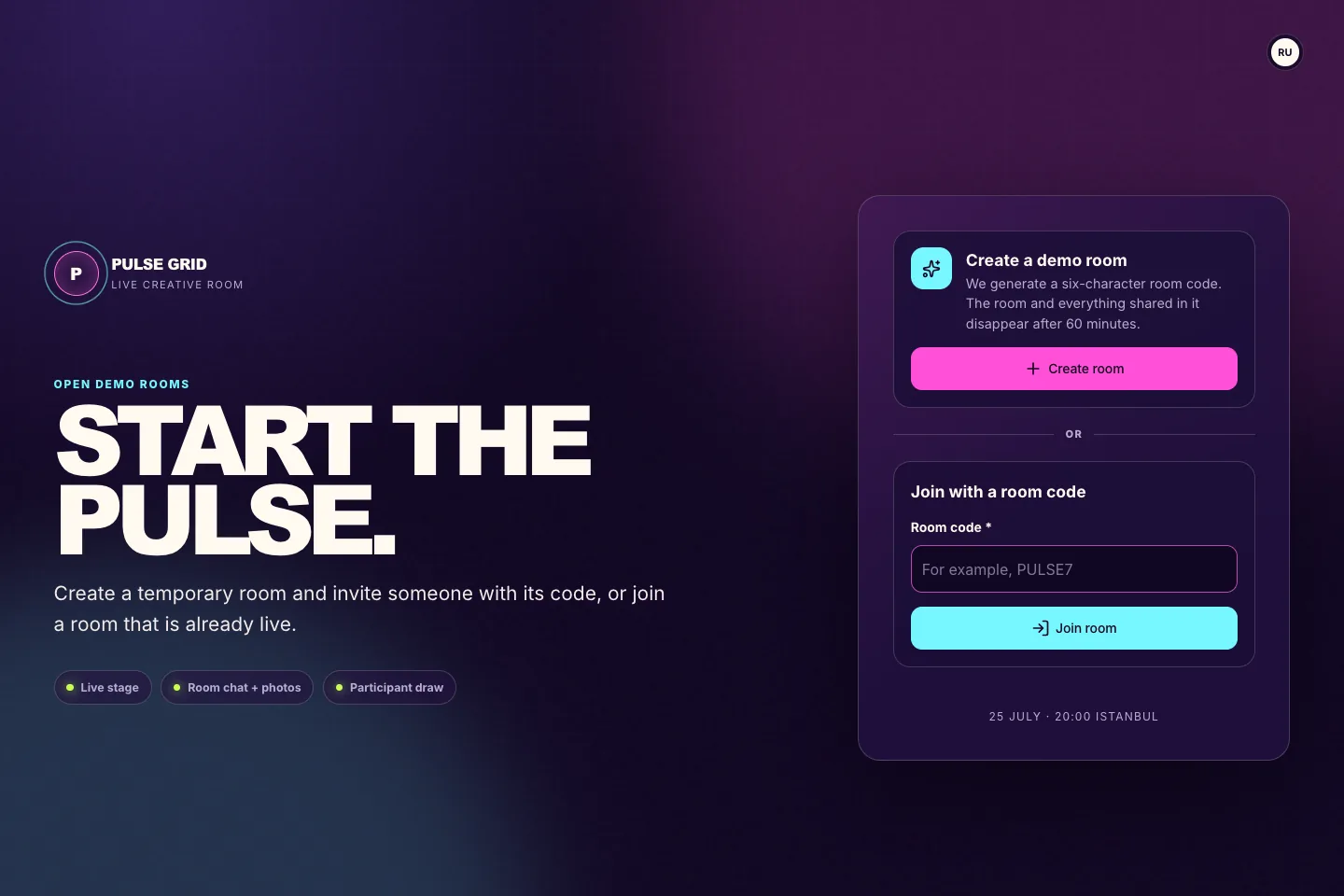
Create or join
The first screen separates room creation from code entry and states the 60-minute boundary.
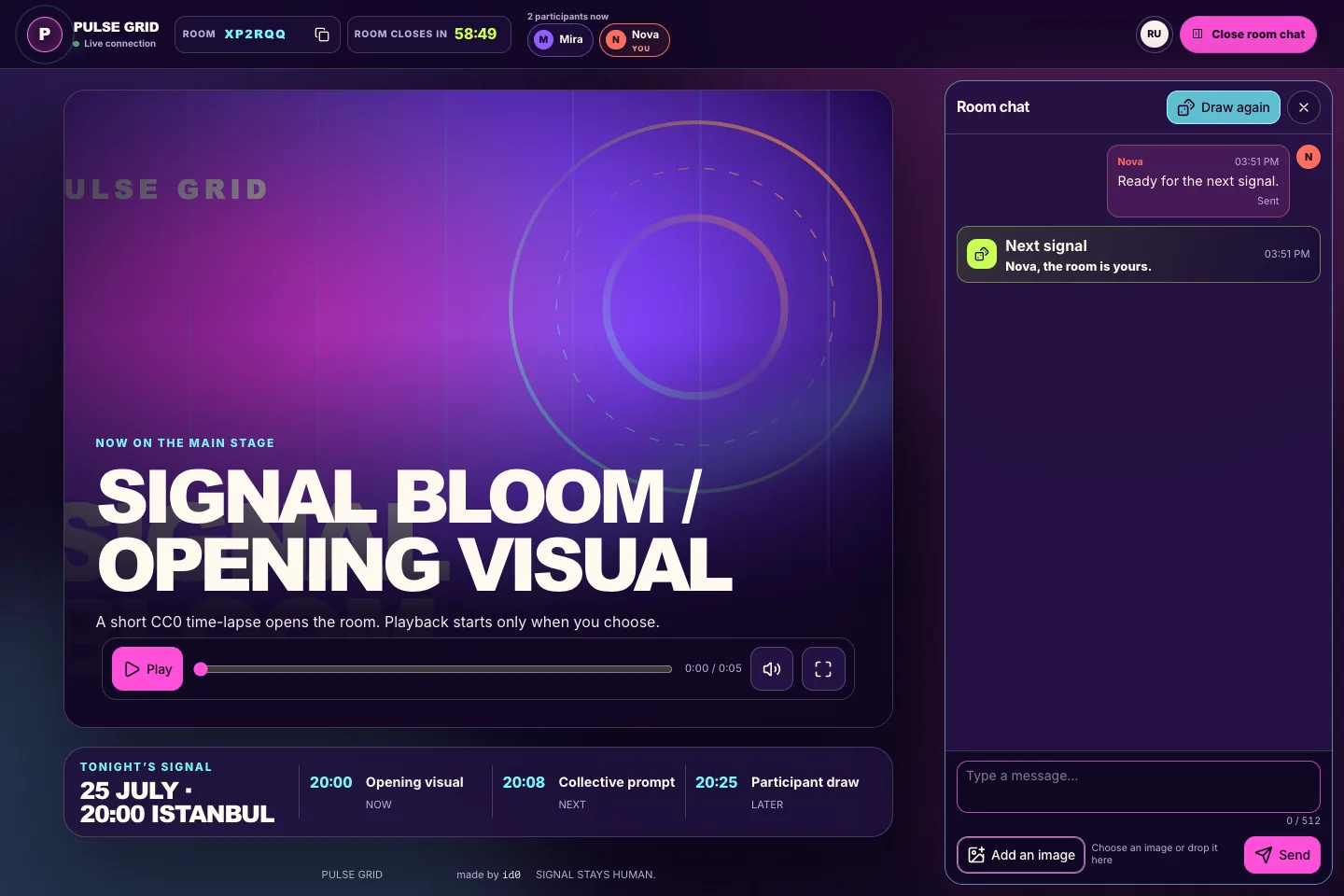
The working room
Media, room code, time until closing, participants, and chat stay visible together.
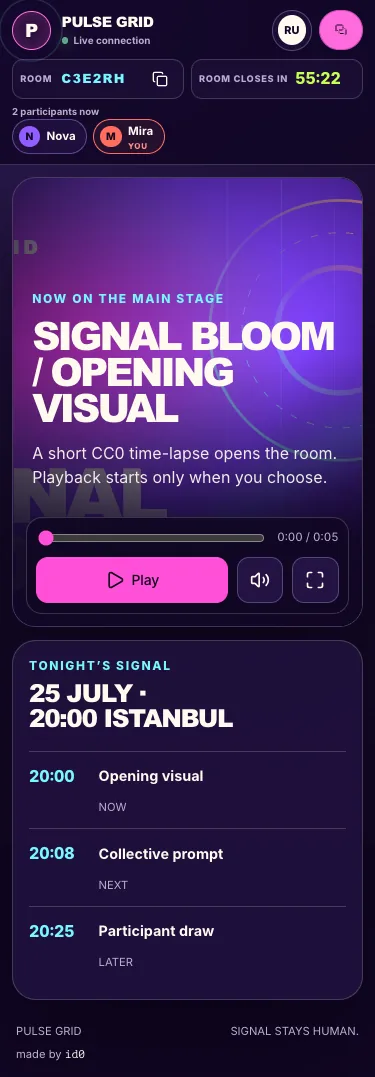
Mobile event view
At a narrow viewport, participants, stage controls, and the full programme form one readable vertical flow.
Key decisions
-
Isolate every room
Presence, messages, images, read state, and draw results update only for participants with a session in that room.
-
Expire the complete room
The room closes 60 minutes after creation. Its sessions, participant names, messages, images, read state, and draw history then become unavailable.
Critical states
-
Make expiry recoverable
When the timer ends, the closed-room message offers the next valid actions: create a new room or join another one.